
01
Open the invitation.
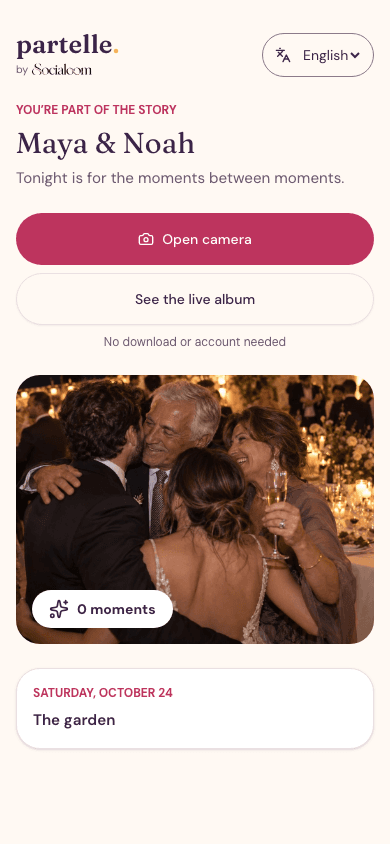
Share your event link or QR code. Guests open it in their browser and join the celebration.


An invitation to celebrate
Your guests’ photos. Your shared album. Your celebration, live on screen.
Guest photos. One event link. No app to download.
A little link. A lot of memories.
Your guests already have the best seat in the house. Give their photos a place to meet.
Share your event link or QR code. Guests open it in their browser and join the celebration.

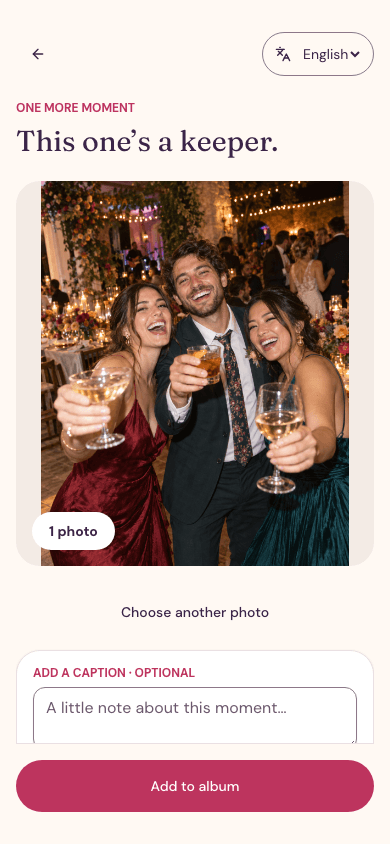
Take a photo in a supported browser or choose one from your gallery. Add a caption and share it with the event.

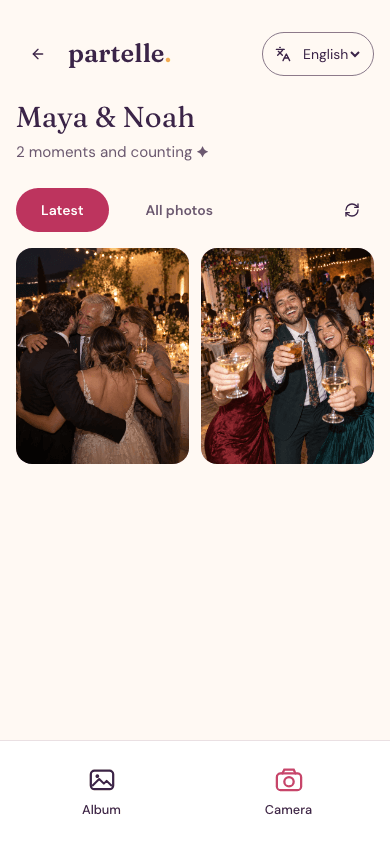
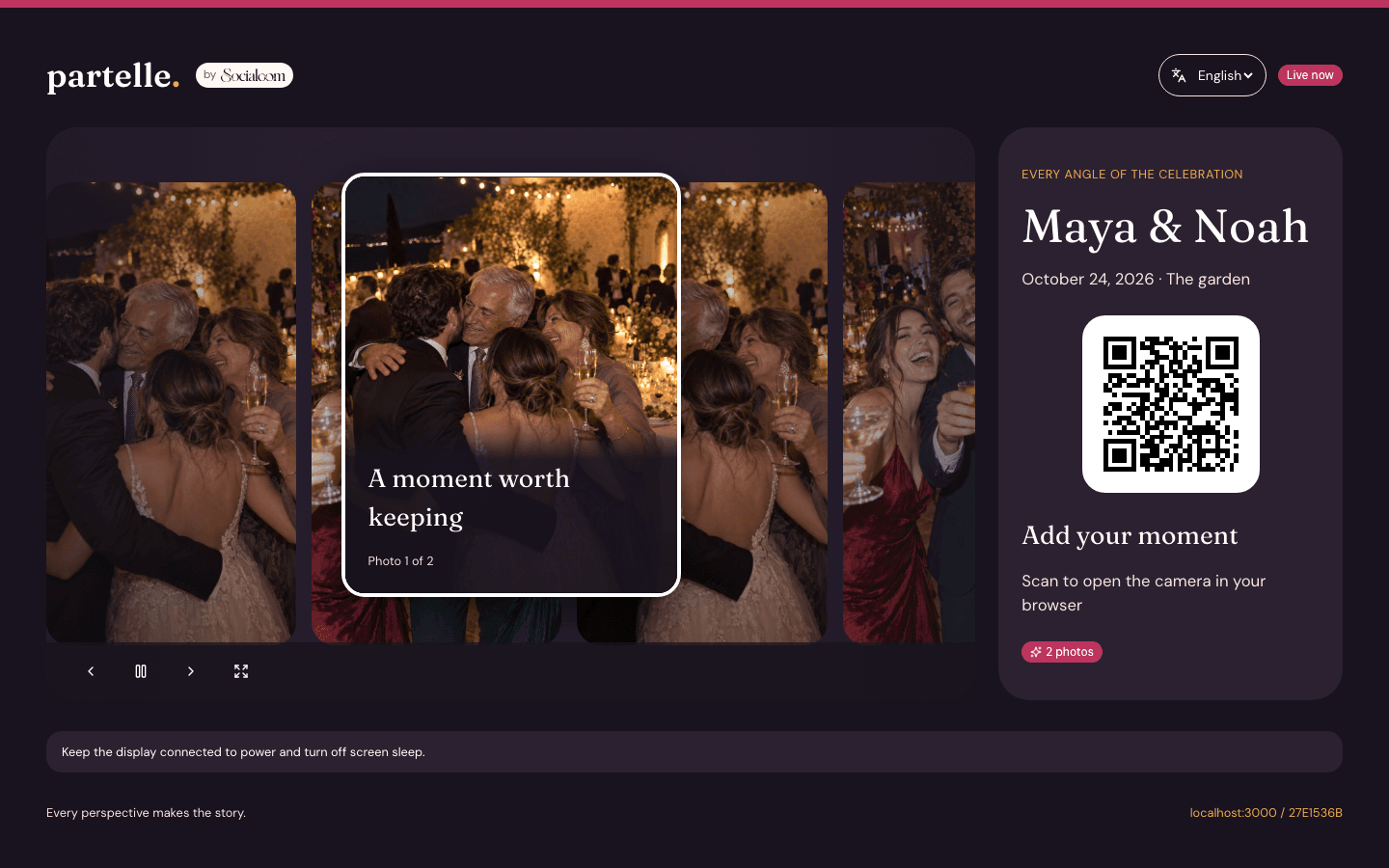
Approved photos join the shared album and live slideshow. The whole room gets to enjoy another angle.
Picture the moment
Try this illustrative preview: a guest takes a photo, it awaits approval, then appears on the event screen.
Ready for a sample moment
Interactive sample · no real photos uploaded
Whatever brings you together

Every table, every dance, every happy tear. Let your guests fill in the beautiful parts you couldn’t be everywhere to see.

Candles, old friends, new memories. Keep the celebration together through the eyes of everyone who came.

Family nights, team celebrations, and just-because gatherings. If your people are there, there’s a story worth sharing.
You set the mood
A separate host panel keeps the practical things within reach, so the shared moments can take centre stage.
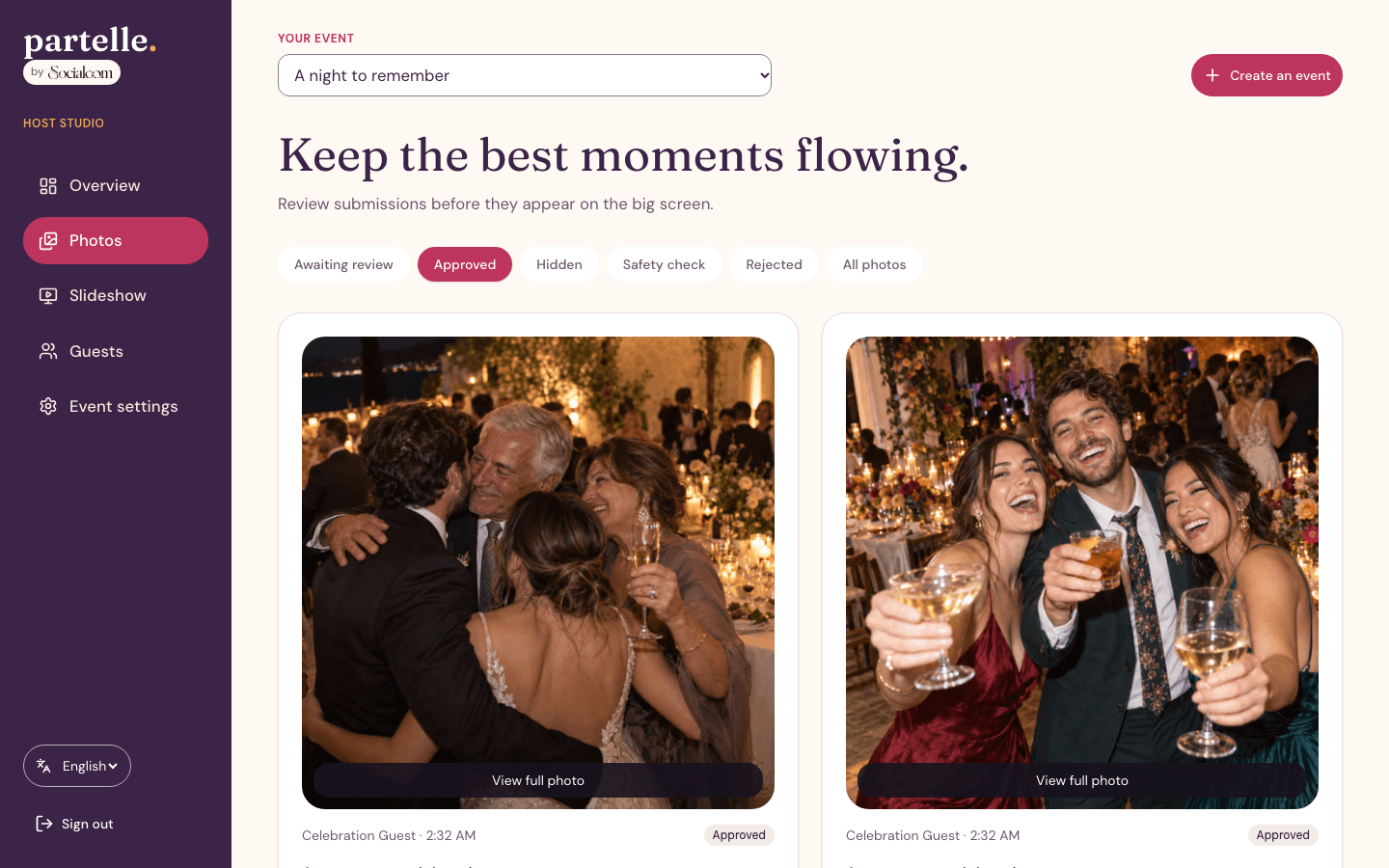
Review photos, approve them, or hide them from the album and screen. Automatic image safety checks support the review flow.
Adjust slideshow timing and playback from the host panel. Keep the screen in step with your event.
Manage photo sharing and gallery access, and end the event when you’re ready to close new uploads.
Before the first toast
No download is needed. Guests open the event link or scan its QR code in a web browser. They can use the browser camera where supported, or choose a photo from their gallery when the host allows it.
Only approved photos appear in the shared album and slideshow. Automatic image safety checks support moderation, and the host can review, approve, or hide photos.
Partelle currently accepts JPEG, PNG, and WebP photos. Camera options depend on the device and browser. If a photo uses another format, save or convert it to a supported format before sharing.
Open the slideshow in a browser on a screen at your venue. The guest experience and live updates need an internet connection. Test your actual phones, screen, and venue connection before the event.
We’re starting with an invite-only pilot. Send us a little about your celebration to discuss whether it’s a fit. Requesting an invite does not book an event or guarantee a pilot place.
Let’s make a night of it
We’re inviting a small group of hosts to try Partelle. Tell us what you have in mind.